.png)

.png)
If you are planning a Pega Blueprint rollout across your organization, you expect a new capability to work the same way in every department you configure. Pega Blueprint features break that expectation.
Features brings engagement channels, AI-powered suggestions, and case orchestration into Blueprint's design process. It's live today in departments like Customer Service, Collections, Sales, Care Management, and Financial Services, and Pega keeps expanding that list. If your rollout touches one of those departments, you can turn it on now. If not, the rollout follows a pattern worth understanding before you lock in your sequencing.
The catch is that coverage isn't universal. Underwriting, Claims, Onboarding, and most government and cross-industry functions don't have it yet. That's not a reason to wait on Blueprint. It's a reason to sequence your adoption around where the value is already proven, and the logic behind that sequencing tells you roughly what's coming next.
Features adds four categories of capability directly into the Blueprint case design process, rather than leaving them as separate configuration steps.
Engagement channels: Messaging, voice, and email get built into the case flow, so a case can be worked through the channel a customer uses.
AI capabilities: Messaging AI and Voice AI handle conversational interactions, and GenAI Coach gives real-time guidance during case work.
Knowledge tools: Knowledge Buddy and knowledge management surface relevant information inside the case itself, instead of requiring a separate lookup.
Suggestions: Next Best Action and Suggested Actions recommend the next step in a case based on the data already present.
The result for an architect is fewer manual integrations. Instead of wiring up messaging, AI, and knowledge tools separately for each case type, Features gives you a working starting point already built for that department.
The departments with Pega Blueprint Features live today share three traits.
Customer Service fits that description everywhere except a small number of specialized lines. Collections and Sales work the same way. These are domains where Pega already has years of reference architecture behind them, so building Features on top of that foundation moves faster.
Domains like Underwriting and Claims work differently. Underwriting means ongoing back-and-forth with agents and brokers, risk data that changes case by case, and negotiation steps that don't follow a fixed script. Claims processing starts the moment an agent or broker reports a loss, and speed matters more than standardization. Both probably need more regulatory precision worked out before Pega can generalize them into a repeatable Features model.
Pega hasn't published this reasoning, so this is a read of the pattern rather than a confirmed roadmap. But the pattern holds consistently enough to plan around: departments with mature, standardized reference models get Features first, and more regulated, case-heavy domains follow as those models mature. For your Pega Blueprint rollout, that means the departments live today are the safest bet for an early win, and departments like Underwriting, Claims, or Onboarding are worth tracking rather than waiting on.
Coverage inside each department varies by sub-industry, and Pega keeps expanding it, so treat this as a snapshot rather than a fixed list.
As of this review, Pega Blueprint Features cover:
Customer Service: Live across most industries and sub-industries, including banking, communications, consumer services, the healthcare payer segment, insurance, and select manufacturing lines.
Collections: Currently limited to corporate and retail banking lines.
Sales: Spans across sales management, sales & services, and marketing and sales, with coverage continuing to expand into segments like insurance and communications.
Care Management: live for the healthcare insurance payer segment.
Financial Services: Currently limited to manufacturing's automotive line.
This list changes as Pega expands coverage, so check current status before you plan around any single department.
As of this review, Features doesn't cover:
If your department already has Features, the decision is simple: enable it in your next Blueprint iteration and use it to speed up case design in that domain first.
If your department doesn't have it yet, here is what's worth doing before you build your rollout timeline.
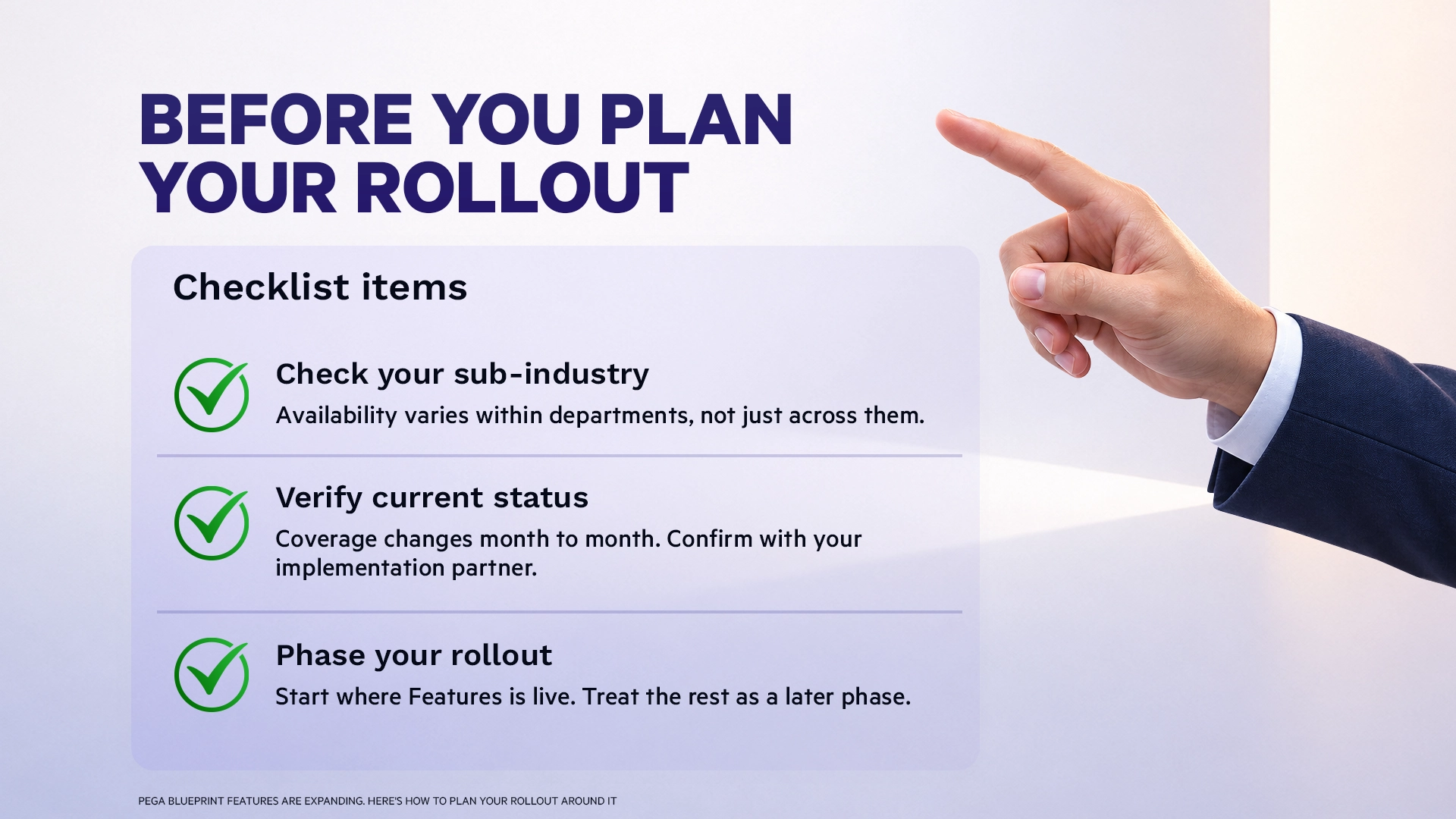
Pega Blueprint features expand in a sequence, not all at once, and that sequence is something you can plan around instead of reacting to. Teams that track current coverage, understand why some departments get it before others, and build their Pega Blueprint rollout around that pattern get more value out of Blueprint sooner than teams that wait for full parity.
If you are mapping a rollout and want a current read on where Features stands for your specific industry and department, that's worth checking before you lock in your plan.
Have a Blueprint rollout question?

.png)


.png)